
Import Topstep trades
Step 1: Log in to your Capital.com account.
Step 2: Click on the “Reports” tab from the left sidebar.
Step 3: Go to the “Trades” tab.
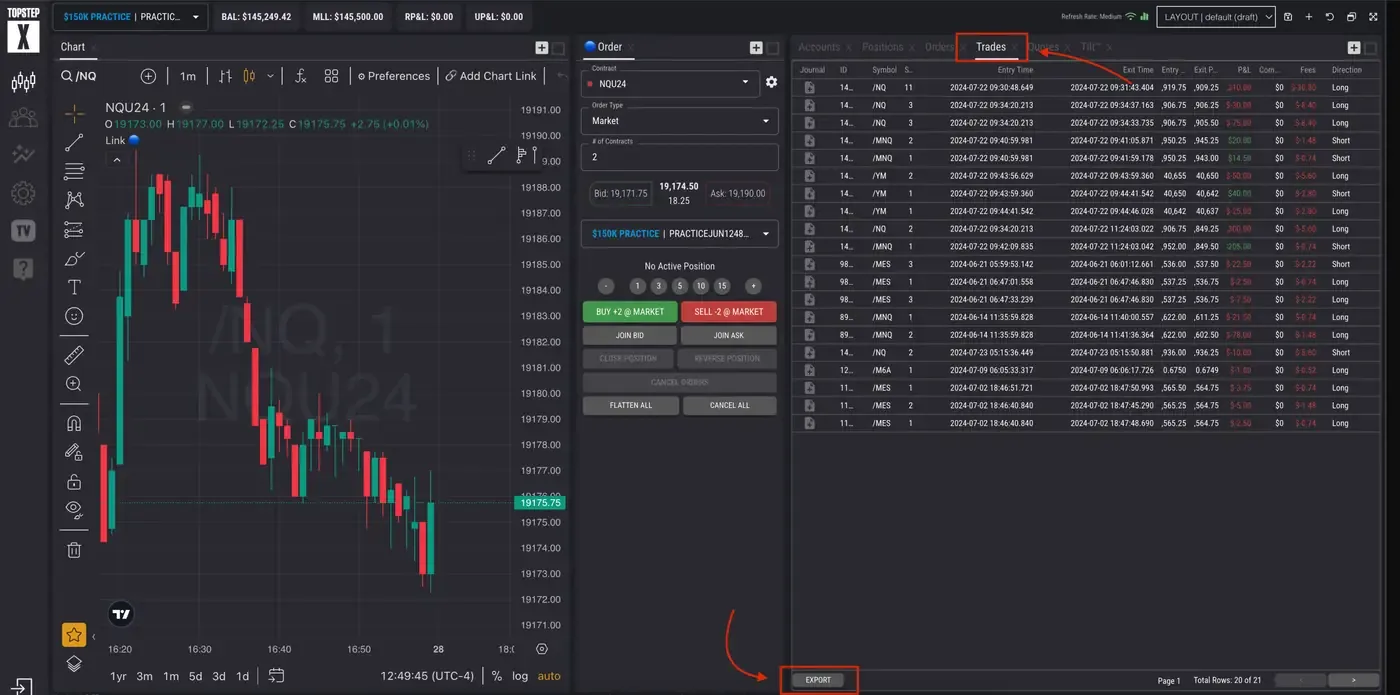
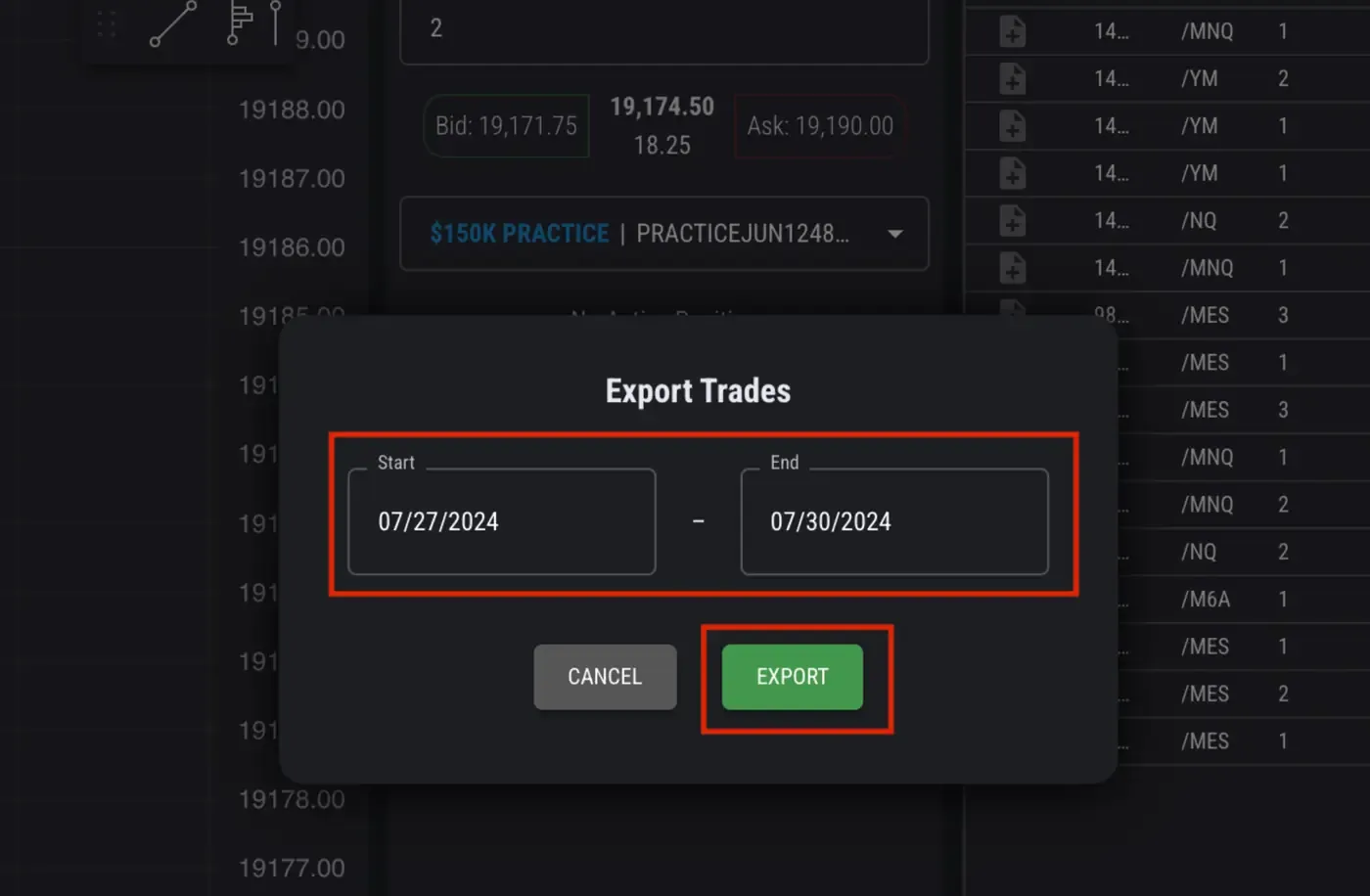
Step 4: Select the date range of the trades you want to export and click “Export.”
Uploading the exported file into TradeReview
Section titled “Uploading the exported file into TradeReview”- Visit the TradeReview import page here or by clicking the ”+” button on the sidebar.
2. Select Your Account
Section titled “2. Select Your Account”- Select the account to which you want to import trades