
Import Webull trades
Step 1: Login to your Webull account
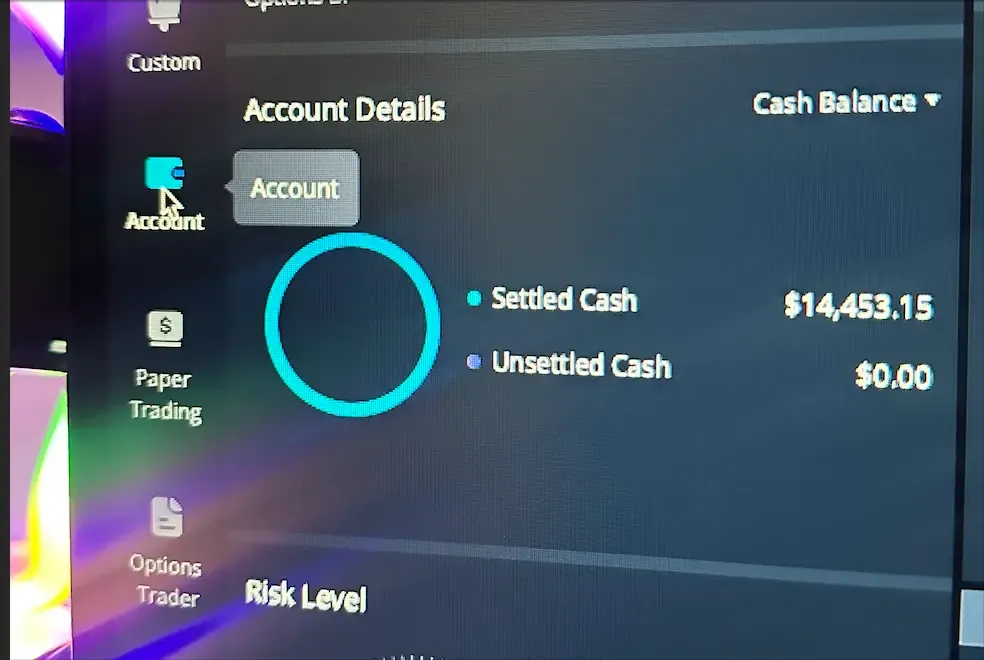
Step 2: Click on account tab
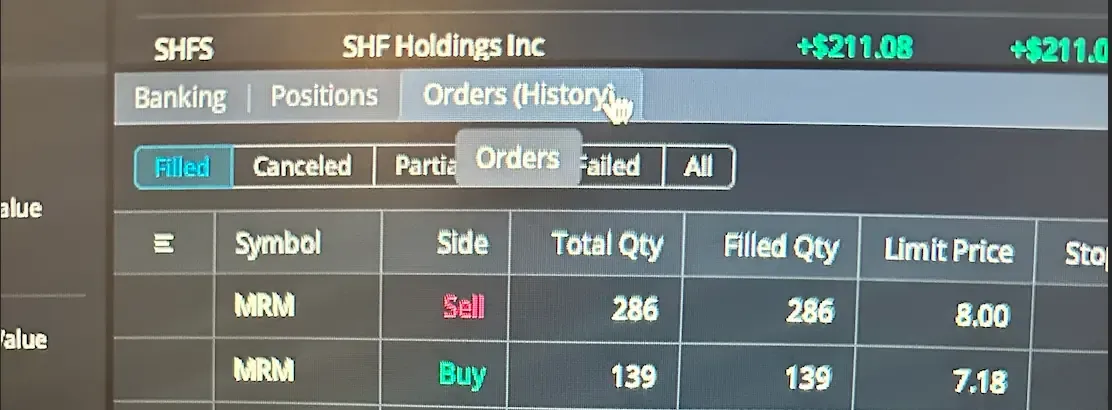
Step 3: Click on Orders(History)
Step 4: On the right most corner of the order section click on the 3 lines icon
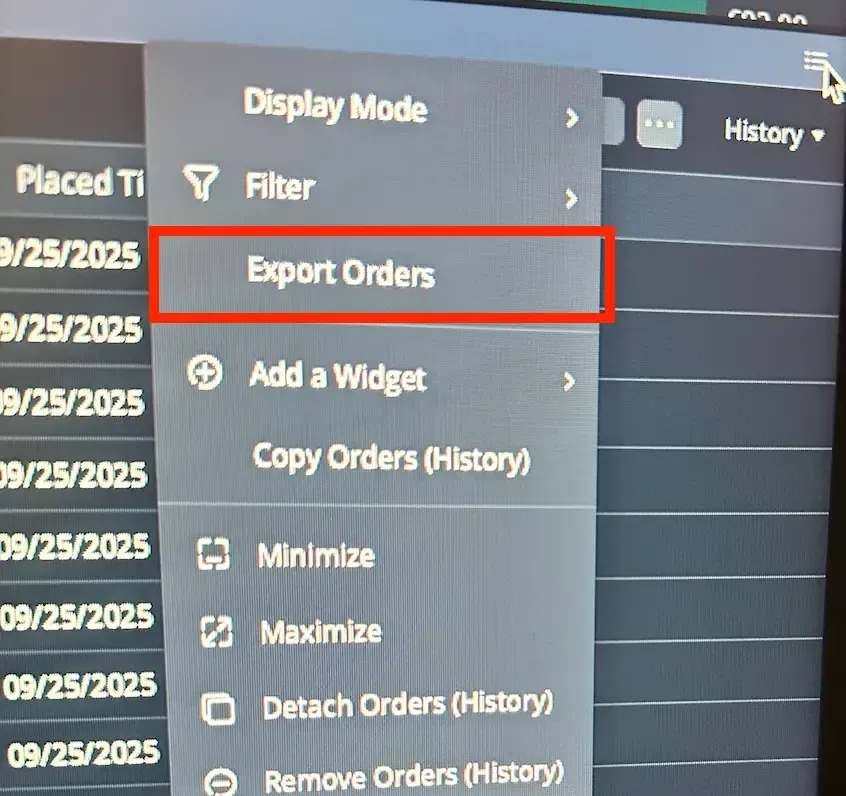
Step 5: Click on Export Orders
IMPORTANT: Please make sure the file is written in English.
Uploading the exported file into TradeReview
Section titled “Uploading the exported file into TradeReview”- Visit the TradeReview import page here or by clicking the ”+” button on the sidebar.
2. Select Your Account
Section titled “2. Select Your Account”- Select the account to which you want to import trades